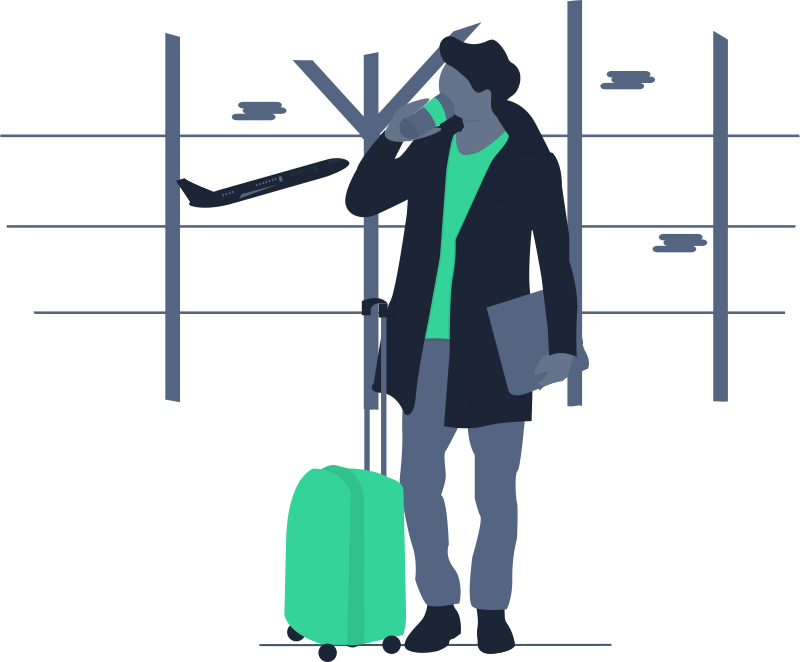
23:24 · Gate B12
You send it from wherever you are
Phone in the queue, or a raised wrist. Face ID or a fingerprint on anything destructive, then ten seconds in which either device can still call it back.
Wakivo is remote power control — lock, sleep, restart, shut down and Wake-on-LAN, from your phone or your wrist. No screen sharing, no remote desktop, no waiting on a laptop lid.
Pixel 9 asked this machine to shut down. Nothing has happened yet — either device can still stop it.
A monochrome status item shows online, paused or offline at a glance — and drops down to pairing, schedules and the pause switch.
iPhone and Android carry the same four commands, plus a Live Activity in the status bar while a countdown is still cancellable.
A companion that sends through your phone: machines and states in a list, commands one tap deeper, and a countdown you can stop with the Crown.
Menu-bar app, 4 MB. Open at Login, Notification Centre alerts, and no accessibility or screen-recording permissions.
System-tray app with the same commands. It respects Fast Startup and hybrid sleep, and warns you when either would break a wake.
A GTK desktop app that talks to logind for power actions, so it behaves the same on GNOME or KDE. Schedules are held by systemd timers and fire whether or not the app is open.
Face ID on destructive commands, Live Activity while a countdown runs, and Home Screen widgets for one-tap lock.
Material You theming, biometric confirmation, quick-settings tiles, and a persistent notification while a command is in flight.
A companion, not a second account: it sends through your phone. Machines and states in a list, every command one tap deeper, and the Digital Crown as a second way to stop a countdown.
A tiny agent runs on your computer. Your phone sends a signed command through the nearest relay. The agent shows a notification, acts, then writes it to a log you can read.
It asks for the power permissions it needs and nothing else. No screen access, no input capture, no kernel extension.
Scan a QR code or type six digits, then approve the request on the machine itself. Codes are single-use and expire in two minutes.
Lock and sleep go straight through. Restart and shut down ask first, then give you ten seconds to call it off from either device.
None of the four commands care where you are standing. Here is the whole trip one “shut down” takes at 23:30 — from a departure gate to a desk two thousand kilometres away, and back before breakfast.
Phone in the queue, or a raised wrist. Face ID or a fingerprint on anything destructive, then ten seconds in which either device can still call it back.
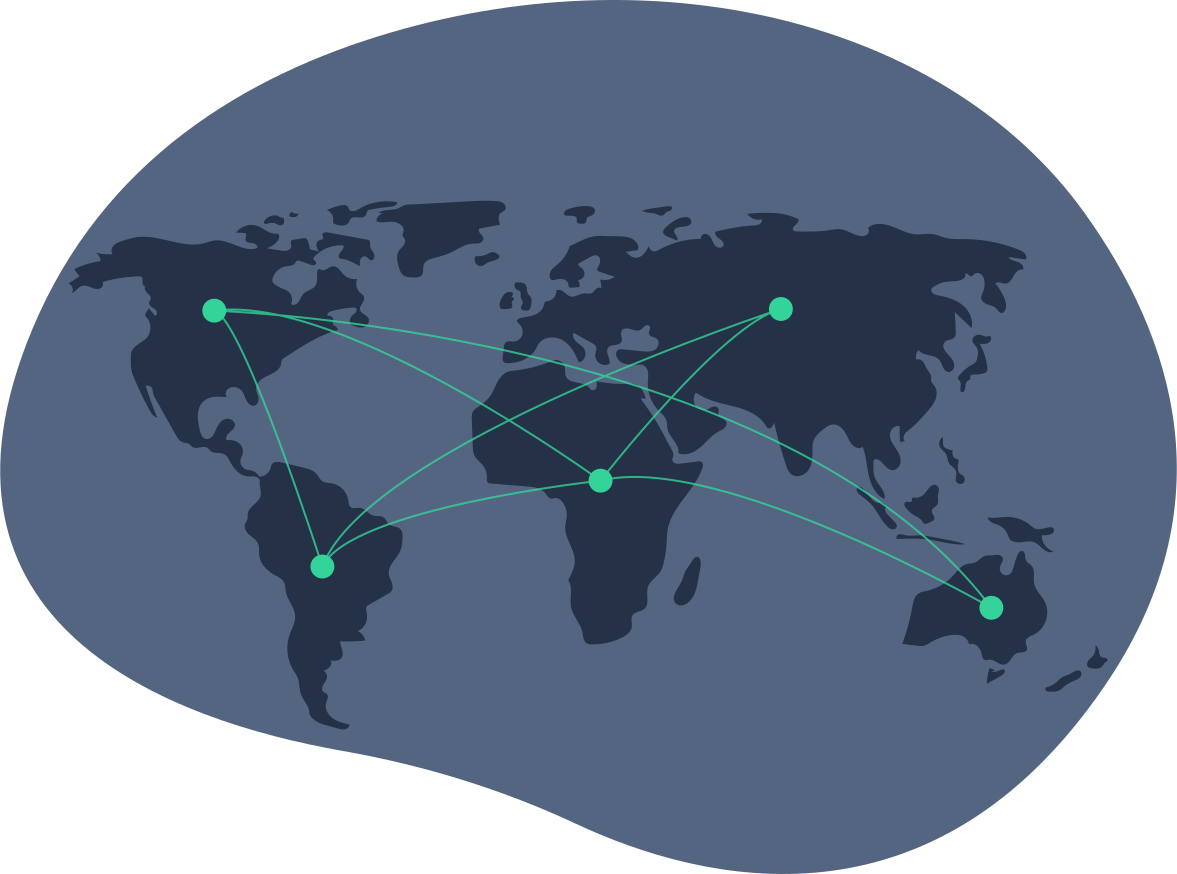
The command is signed on your device and opened on your computer. The relay between them routes an envelope it cannot read, and keeps nothing once it has been delivered.
The agent raises a notification on the machine, waits out the countdown, powers down — then writes the whole thing to an activity log with the device that sent it.

The wake is armed on the machine itself before it powers down, so the return leg needs nothing from you — no phone in your hand, no relay, no connection at the house. By the time you drop your bag, it has been up for four minutes.
Schedules are held on the computer and evaluated in its own time zone, so the return leg still runs with the internet, the relay and your phone all gone.
The four commands you actually need, with confirmation weighting that matches what each one costs you.
A magic packet from any paired device on the same network. When it can't work, Wakivo says so instead of spinning forever.
One-time, daily or chosen weekdays — held locally, so they still fire if the internet, the relay or your phone is gone.
Every paired phone with its last activity. Revoke one, or disconnect all of them from the tray in a single click.
Every remote action raises a notification on the machine and lands in an activity log with the device that sent it.
Pause remote control on the machine and every phone is refused — with a clear reason, not a silent failure.
Apple Watch and Wear OS carry the machine list, every command one tap deeper, and a complication that shows the next schedule without opening anything.
On the same Wi-Fi the phone talks straight to the computer — no account, no internet. Signing in only adds the ability to reach it from somewhere else.
Both languages ship in every app, and an Arabic window mirrors properly rather than stranding right-to-left text in a left-to-right layout.
Commands hop through the nearest relay, and schedules are evaluated in the machine’s own local time — so “23:30” means 23:30 at your desk, not wherever you happen to be standing.
Median round trip from phone to agent over the last 30 days. Wake-on-LAN is local to your network and never touches a relay.
Each machine carries its own zone. Fly to Singapore and your Berlin schedule still runs at Berlin’s 23:30 — Wakivo shows you both times before you save.
Wakivo was built for the small, annoying moments: the render finished but the machine is still burning power; you’re on the train and can’t remember whether you locked it; the office closes at midnight and you’d rather it shut itself down.
Open Wakivo, pick the machine, tap Shut down. Confirm with Face ID or fingerprint, then you have ten seconds to stop it from either device.
If another paired device sits on the same network, Wakivo sends the magic packet for you. Otherwise it arms the wake on the machine’s own timer.
Pair a nightly shutdown with a morning wake and the machine is off for eight hours without anyone touching it.
Lock goes through instantly with no confirmation, so it’s the one command that’s safe to put on a watch face or a widget.
Yes — that’s the whole product. Install the agent, pair once, then send Lock, Sleep, Restart or Shut down from anywhere with a connection. Destructive commands confirm first and stay cancellable for ten seconds.
A powered-off machine can’t receive anything over the internet. Wakivo either sends a Wake-on-LAN packet from another paired device on that network, or arms a wake on the machine’s own timer before it powers down.
No. Wakivo never sees your screen, files or keystrokes. It carries power commands and schedules and nothing else — which is why it needs no accessibility or screen-recording permission on any platform.
Yes. They live on the computer and are evaluated by the agent in that machine’s own time zone, so they fire with no phone, no relay and no internet.
Only devices you approved on the machine itself can send anything, every command is signed, and you can revoke a device or pause remote control entirely from the tray.
As many as you like — Mac, Windows and Linux side by side in one list, each with its own status, schedules and trusted devices.
Almost, and the difference is worth knowing before you pick one. The App Store build runs in Apple’s sandbox, so it asks macOS to shut down through System Events rather than doing it itself: an app with unsaved work can refuse, and Wakivo reports that it asked rather than claiming it happened. That build also cannot arm a wake, cannot schedule one with the Mac’s own timer, and cannot unlock at the login window. Everything else — lock, sleep, the trusted-device list, the activity log — is identical. The download from this site has no sandbox and none of those limits.
No. Apple Watch and Wear OS are companions: they hold no key and no sign-in of their own, and every command goes out through the phone they are paired with. If the phone is out of range the watch says so rather than appearing to work.
Free for two machines. No account needed to try it — pair locally, upgrade later if you want remote access.